


DAW Templates

DAW templates for faster music production and repeatable mix workflows.
Start from prepared routing, buses, track layouts and effects chains instead of an empty session.
Which of the 12 is right for you? Answer 2 questions and see only the packs that work with your setup. Narrow it down
Pick by what you already own. You will only see what will actually work for you, including packs that need nothing extra.
Nothing matches that combination yet, which is an answer too. Browse the whole collection.
Prices and contents as of 2026-11-02. The guide also shows products that require nothing extra.
Filters
12 products
American Rock / Metal Template for Cubase
Regular price801,00 Kč
Dj0nt / Stock Plugins Only
Regular price801,00 Kč
Metalcore Template for Cubase
Regular price801,00 Kč
"As I Lay Dying" Template for Cubase
Regular price801,00 Kč
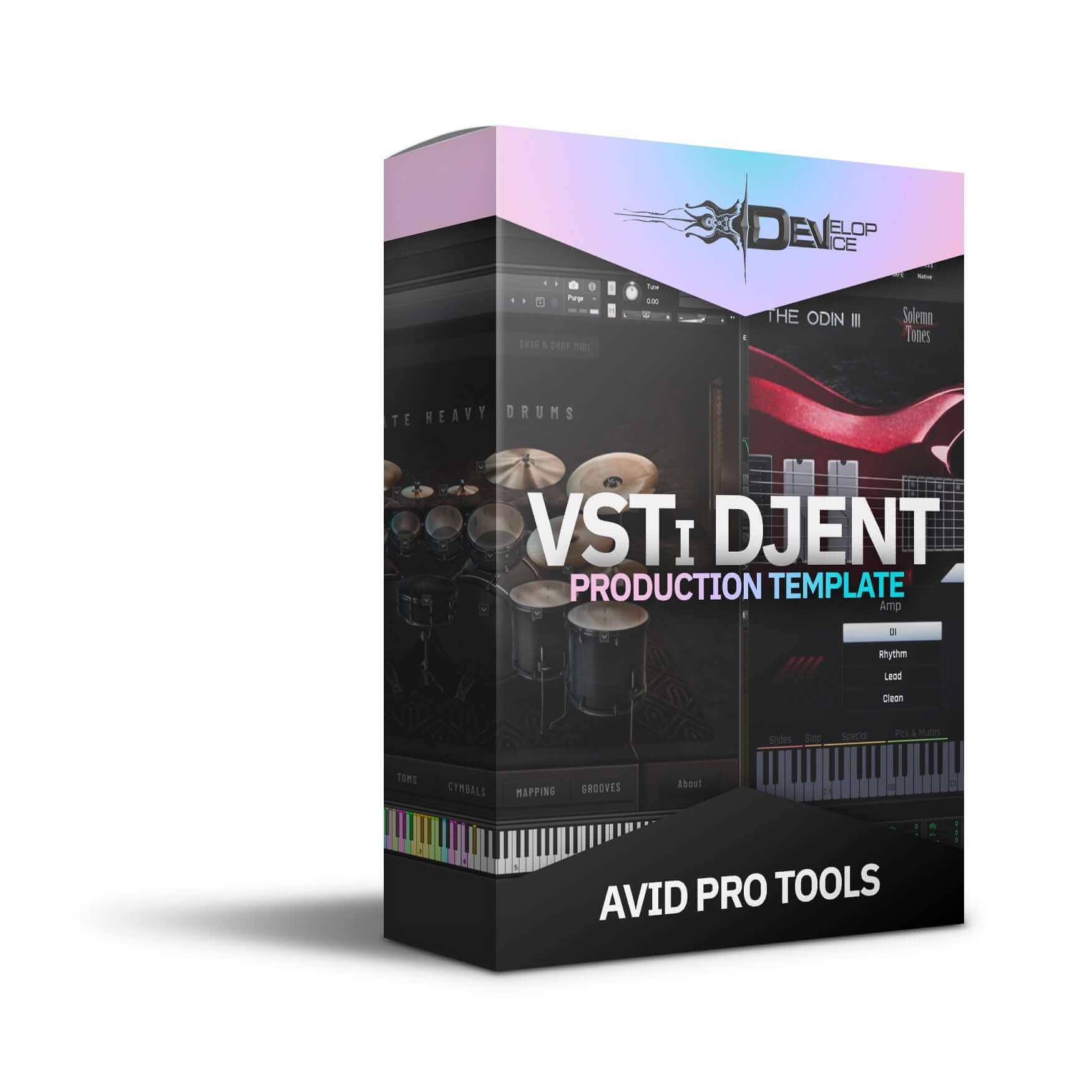
VSTi Djent Production Template for Avid Pro Tools
Regular price801,00 Kč
Melodic Hardcore Template for Cubase
Regular price801,00 Kč
Modern Metal Mastering Chain
Regular price898,00 Kč
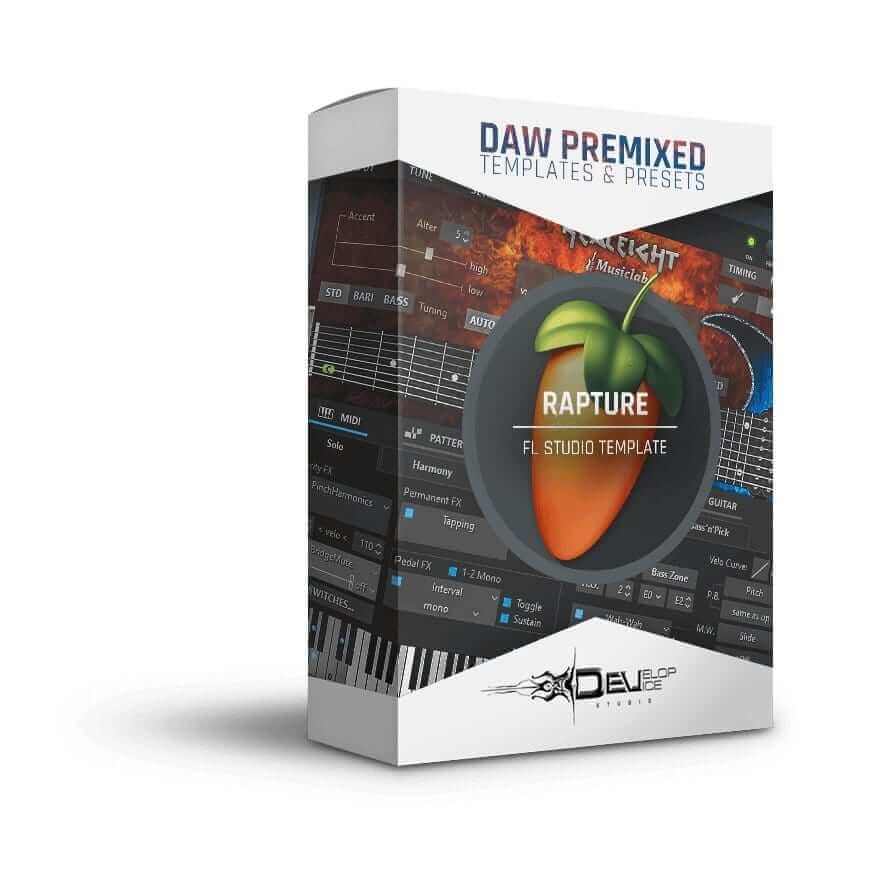
"Rapture" FLP Project for FL Studio
Regular price801,00 Kč
Progressive Djent VSTi Template for Cubase
Regular price801,00 Kč
Deathcore VSTi Template for Cubase
Regular price801,00 Kč
Modern Metal Mastering Chain II
Regular price898,00 Kč
Downtempo Hardcore
Regular price801,00 Kč
Develop Device All-Access Pass
Why buy one pack at a time?
Plugins, apps and sounds in one monthly or yearly subscription. All included downloads and updates are available during your paid period.
- Every Develop Device plugin & app
- Serum 2 & Vital synth preset toolkits
- Superior Drummer 3, EZdrummer, GGD, MODO & Addictive Drums presets
- DAW templates for Cubase, Studio One & Reaper, plus 30K+ drum MIDI
- Cabinet IRs, NAM profiles & presets for Fractal, Kemper & Ampero
- Quad Cortex captures, shared straight to your Cortex Cloud
- New releases and updates while your plan is active
Good to know
See everything in the All-Access Pass- Renews at your plan's price until you cancel in your account under Subscriptions.
- When your plan ends, its downloads, updates and plugin licences end.
- No discounts apply. What you bought separately, and permanent licences earned through the previous pass, stay yours.
Product Demos

Dj0nt / Stock Plugins Only - Sound Demo Video

Metalcore Template for Cubase - Sound Demo Video
"As I Lay Dying" Template for Cubase - Sound Demo Video
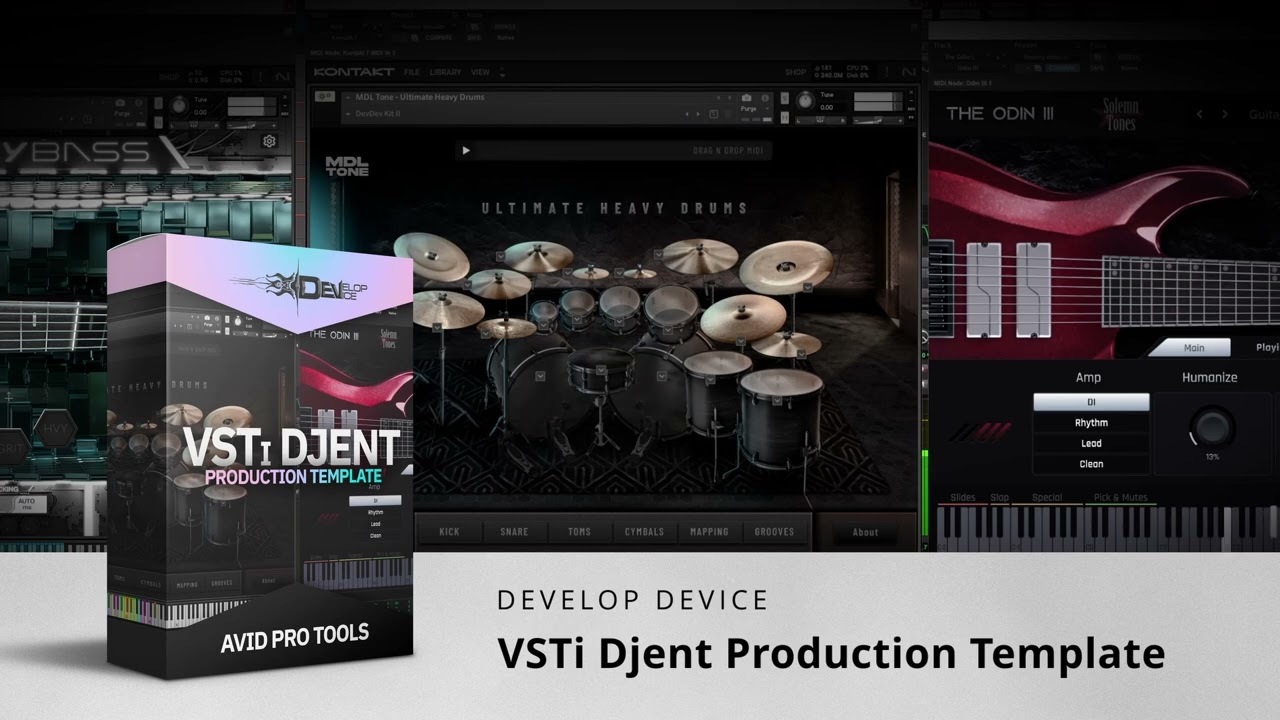
VSTi Djent Production Template for Avid Pro Tools - Sound Demo Video

Modern Metal Mastering Chain - Sound Demo Video

"Rapture" FLP Project for FL Studio - Sound Demo Video

Progressive Djent VSTi Template for Cubase - Sound Demo Video
Deathcore VSTi Template for Cubase - Sound Demo Video

Modern Metal Mastering Chain II - Sound Demo Video
Downtempo Hardcore
DAW templates for faster music production and mixing
This collection is for producers who want practical session starting points inside their DAW. Templates can save time on routing, track layout, bus structure, effects chains, monitoring, mix organization and repeatable production decisions.
Use DAW templates when you want to move from an empty session to writing, recording, editing or mixing faster. They are especially useful for rock, metal and modern production workflows where sessions can include drums, guitars, bass, vocals, synths, effects and mastering chains.
What DAW templates can help with
- Session setup: track naming, routing, groups and buses.
- Mix workflow: common processing chains and gain structure starting points.
- Production speed: less repetitive setup before creative work starts.
- Consistency: similar session organization across songs and revisions.
Related production tools
For drum-specific workflows, see Drum Presets & Templates and Superior Drummer 3 Presets. For heavy genre hubs, browse Metal Presets, Djent & Modern Metal Presets and Rock Presets.
FAQ
Do templates mix the song for me? No. They create a strong workflow starting point, but the song, source tracks and arrangement still determine final mix decisions.
Which DAW should I choose? Choose the product that matches your DAW and version requirements on the product page.