


IR MatchMaker: Reference Tone to IR
Match a reference guitar tone and export the result as a cabinet IR.
Load your source guitar tone and the target reference, let IR MatchMaker analyze the tonal difference, then export a minimum-phase impulse response that moves your rig closer to the sound in your head.
Instant Download Windows & macOS Lifetime License

How It Works
Three steps to your perfect tone match
Load Two Recordings
Import your source tone and the target tone you want to match. Supports WAV, AIFF, FLAC, MP3, and OGG. Select the exact region you want to analyze.
Analyze & Match
IR MatchMaker runs a deep spectral comparison using Welch's method, shows a live Match score, and lets you shape the result with EQ smoothing, regularization and three phase modes. Preview the difference in real-time with the built-in A/B toggle.
Export & Use
Export the generated minimum-phase IR as a WAV file. Choose your sample rate (44.1/48/96 kHz), bit depth (16/24/32-bit float), and IR length (512-8192 samples). Load into any amp sim, DAW, or hardware loader.
Features
Built on proven DSP techniques used in top audio tools
Real-Time Spectrum Comparison
Side-by-side spectral analysis of your source and target recordings. See exactly where the tonal differences lie across the entire frequency range with an interactive overlay display.
Three Phase Modes
Choose Minimum, Linear or Mixed phase, built with the proper Kolmogorov cepstral and phase-interpolation methods at 4x oversampling. Minimum phase is causal and zero-latency, the industry standard for cabinet IRs, and loads into any amp sim, IR loader or DAW convolution plugin.
Region Selection
Select the exact portion of each audio file to analyze. Focus on the most representative section of the performance to get the most accurate spectral match.
EQ Smoothing & Regularization
Gaussian-weighted fractional-octave smoothing controls how aggressively the IR corrects the response, gentle and musical, or surgical. A separate Regularization control tames the inverse filter so quiet bands are not boosted into harshness.
Instant A/B Preview
Toggle between your original source tone and the corrected version in real-time. Hear the IR applied to your source audio before you export,no need to leave the app to test your results.
Flexible Export
Export your generated IR at 44.1, 48, or 96 kHz sample rate. Choose 16-bit, 24-bit, or 32-bit float precision. Set IR length from 512 to 8192 samples. Standard WAV format works everywhere.
Full Mono & Stereo
Works with both mono and stereo audio files. Analyze mono guitar DI recordings, stereo mixes, or any combination. The generated IR adapts to your source material automatically.
Deep Spectral Analysis & Match Score
Up to 16384-point FFT with Welch's method spectral estimation, adapting to short selections, gives a clean, high-resolution spectral picture. A live Match score shows exactly how closely the corrected tone reproduces the reference.
Use Cases
One tool, endless possibilities
Guitar Tone Matching
Record your amp, record a reference tone from a song you love, and let IR MatchMaker generate an IR that bridges the gap. Load the IR into your amp sim's cab block for instant tone matching.
Mic & Cab Profiling
Capture the spectral character of a specific mic and cabinet combination. Compare a close-mic'd recording against a DI to create an IR that recreates that mic+cab pairing in any IR loader.
Mix Bus Matching
Match the tonal balance of a reference mix. Analyze your master bus against a commercial release to generate a corrective IR that brings your mix closer to the target frequency response.
Amp Sim IR Creation
Create custom cabinet IRs for your digital amp modeler. Compare amp sim output with real amp recordings to generate correction IRs that make your digital rig sound closer to the real thing.
Headphone Correction
Flatten the frequency response of your headphones. Compare your headphone measurement against a flat reference to generate a correction IR for more accurate monitoring.
Education & Research
Visualize spectral differences between recordings for educational purposes. Great for teaching students about frequency response, impulse responses, and how different gear shapes tone.
Technical Specifications
Platform
- Windows: 10/11 (64-bit)
- macOS: 10.15+ (Intel & Apple Silicon)
- Memory: ~50 MB RAM
- CPU: x64 / Apple Silicon (universal)
Audio I/O
- Input: WAV, AIFF, FLAC, MP3, OGG
- Output: WAV (impulse response)
- Channels: Mono & Stereo
- Delivery: Installer (Win + macOS)
Analysis Engine
- FFT: Adaptive up to 16384-point FFT, Welch's method spectral estimation
- IR Gen: Minimum, Linear & Mixed phase (Kolmogorov cepstral + phase interpolation), 4x oversampled
- Floor: -80 dB regularization
- Smoothing: 1/12 to 1 octave
Export Options
- Rates: 44.1 / 48 / 96 kHz
- Depth: 16 / 24 / 32-bit float
- IR Length: 512 - 8192 samples
- Phase: Minimum / Linear / Mixed
Turn the reference tone into a usable IR.
Stop guessing by ear when you can convert the tonal gap into an exportable cabinet response.
You might also like


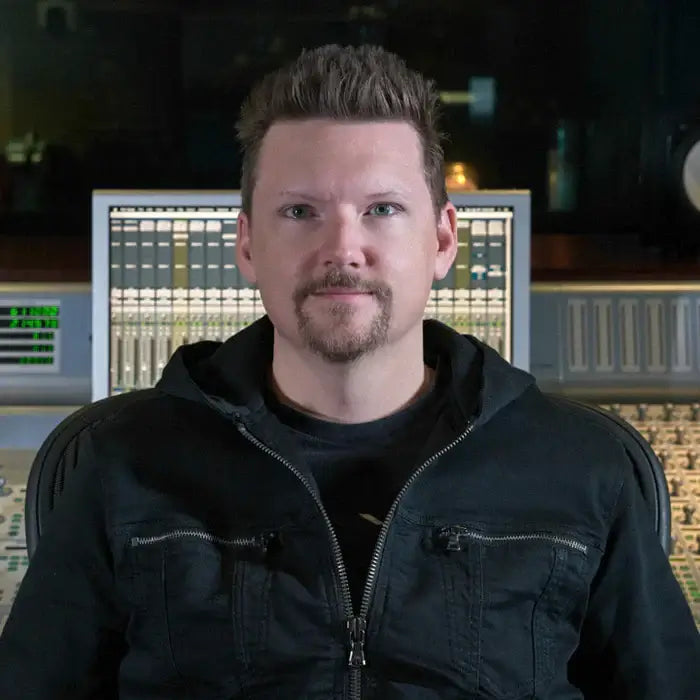
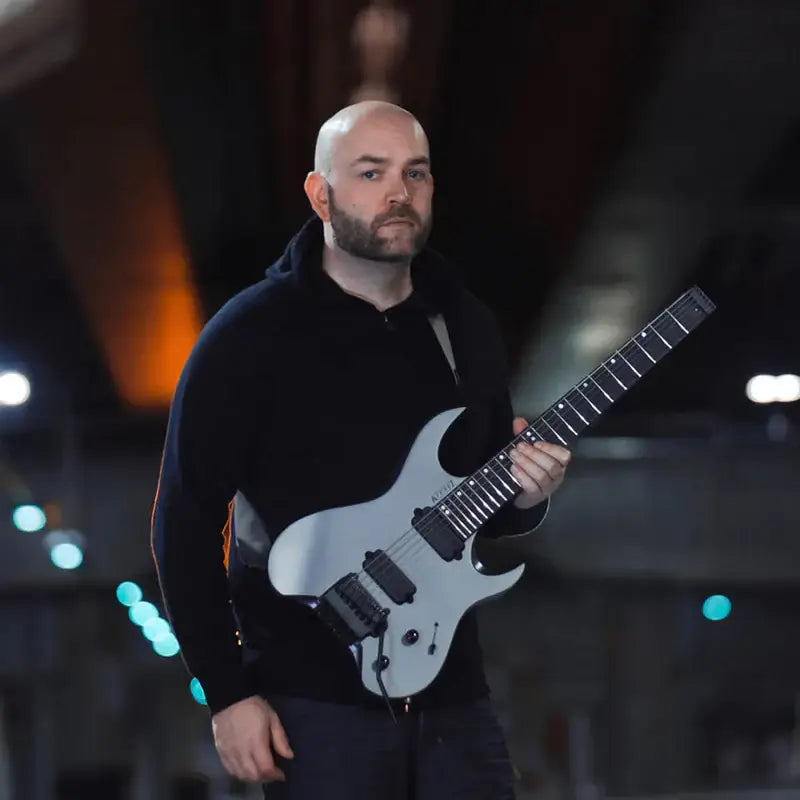
What Artists Say
Hear from professional musicians and producers who use our products.







Develop Device All-Access Pass
Why buy one plugin at a time?
One annual pass unlocks the entire Develop Device catalogue, plugins, presets, DAW templates, drum MIDI, cabinet IRs and amp profiles, including this product, plus everything new I release this year. A fraction of buying it piece by piece.
- Every Develop Device plugin & app, including this one
- Serum 2 & Vital synth preset toolkits
- Superior Drummer 3, EZdrummer, GGD, MODO & Addictive Drums presets
- DAW templates for Cubase, Studio One & Reaper, plus 30K+ drum MIDI
- Cabinet IRs, NAM profiles & presets for Fractal, Kemper & Ampero
- Every new Develop Device release during your active year
- What you unlock stays downloadable, even after your year ends