


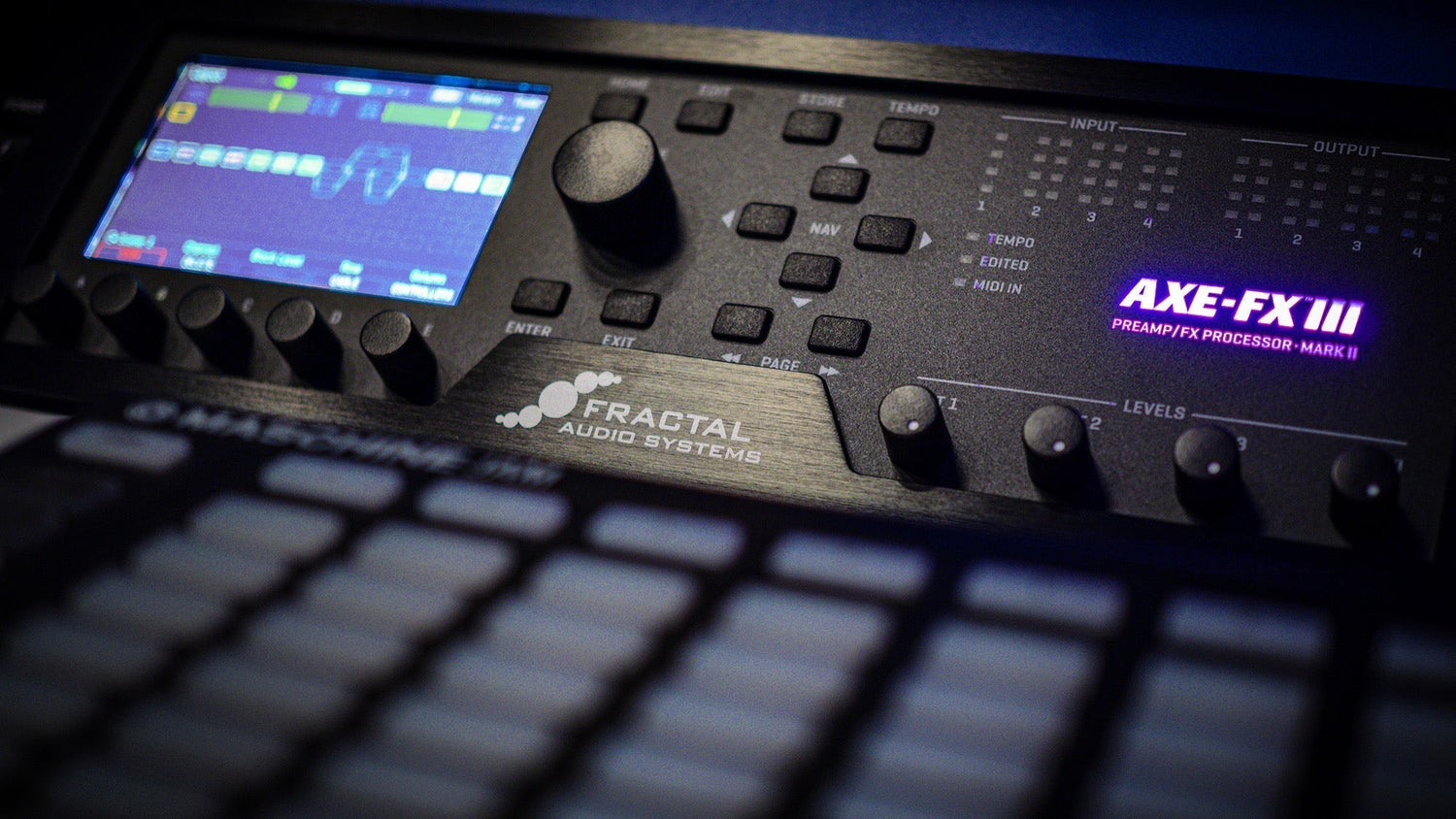
Understanding the Dyna-Cabs Installation Error
If you're seeing "Dyna-Cabs Not Installed" or "Incorrect Dyna-Cab Version" errors on your Fractal Audio device (Axe-Fx III, FM3, or FM9), this guide will help you resolve the issue quickly.
What Are Dyna-Cabs?
Dyna-Cabs are Fractal Audio's revolutionary cabinet simulation technology that provides ultra-realistic speaker cabinet modeling for guitar and bass tones. They're essential for modern Fractal presets and require proper installation to function.
Common Causes of Dyna-Cabs Errors
The error typically occurs when:
- Dyna-Cabs aren't installed on your Fractal device
- You're running an outdated Dyna-Cab version
- The preset requires newer Dyna-Cab files than you have installed
- Installation was incomplete or corrupted
How to Fix Dyna-Cabs Not Installed Error
Step 1: Download the Latest Dyna-Cabs Package
Visit the official Fractal Audio website and navigate to the downloads section for your specific device model (Axe-Fx III, FM3, or FM9). Download the most recent Dyna-Cabs package to ensure compatibility.
Step 2: Install Dyna-Cabs Using Fractal-Bot
Use Fractal-Bot software to install Dyna-Cabs:
- Connect your Fractal device to your computer via USB
- Launch Fractal-Bot application
- Select your device from the dropdown menu
- Click on the "Dyna-Cabs" or "Manage" tab
- Choose "Send Dyna-Cabs to Device"
- Select the downloaded Dyna-Cabs file
- Wait for the installation to complete (this may take several minutes)
Step 3: Verify Installation
After installation completes, verify that Dyna-Cabs are properly installed by checking your device's cab block. You should now see Dyna-Cab options available without error messages.
Troubleshooting Tips for Fractal Audio Users
Still seeing errors? Try these additional solutions:
- Update firmware: Ensure your Fractal device is running the latest firmware version
- Reinstall Fractal-Bot: Download and install the newest version of Fractal-Bot
- Check USB connection: Use a high-quality USB cable and try different USB ports
- Factory reset (last resort): Back up your presets, then perform a factory reset if issues persist
Preventing Future Dyna-Cabs Issues
To avoid Dyna-Cabs errors in the future:
- Keep your Fractal firmware updated regularly
- Download Dyna-Cabs updates when new versions are released
- Verify compatibility before loading third-party presets
- Maintain backups of your working configurations
Presets That Bring Their Own Cabs
One way to sidestep Dyna-Cab version mismatches entirely is to use presets that ship with their own matched cabinet IRs, so the tone does not depend on which Dyna-Cab pack your device happens to have installed. My mix-ready presets for Fractal Audio units are built that way: every pack for the Axe-Fx III, FM3 and FM9 includes the WAV IRs it was designed around, plus install notes for Fractal-Bot.
Need More Help with Your Fractal Device?
If you're still experiencing issues with Dyna-Cabs installation or have questions about Fractal Audio devices, consult the official Fractal Audio forum or contact their support team for device-specific assistance.
Related topics: Fractal Audio troubleshooting, Axe-Fx III setup, FM3 configuration, FM9 presets, guitar amp modeling, cabinet simulation, IR loading




Leave a comment
All comments are moderated before being published.
This site is protected by hCaptcha and the hCaptcha Privacy Policy and Terms of Service apply.