


Carve IR
Cabinet IR Generator for Mix Context
Generate cabinet IRs around the song, not just the solo guitar tone.
Carve IR captures your mix context and raw amp tone, then generates cabinet IR directions that help the guitar sit where the track needs it. Refine the result with draw, smooth and tilt controls, compare options, then export WAV IRs for your loader, plugin or hardware workflow.
One-time payment · Digital download
Not available as AAX (Pro Tools)
 Click to Zoom
Why Carve IR Changes the Cabinet Workflow
A focused workflow for turning mix context into exportable cabinet IRs:
Three Generated Variants
One capture pass produces Dark, Natural, and Raw IR directions, so you can start from three useful cabinet voicings instead of one fixed result.
Mix + Amp Capture Workflow
Insert CarveIR on the master bus, capture the song context, then capture the matching raw amp tone. The plugin is built around that exact two-step process.
Edit Before You Export
Refine the generated response with Draw, Smooth, and Tilt tools, then compare revisions before committing to a final WAV.
Flexible WAV Export
Export mono or stereo WAV IRs at 44.1, 48, 88.2, or 96 kHz, with 16-bit, 24-bit, or 32-bit float depth and 512 to 4096 sample lengths.
Instant digital download for Windows and macOS, with VST3 and AU plugin support.
Built for Modern Guitar Production
Inside the Carve IR Workflow
Dual Capture Workflow
Insert CarveIR on the master bus, capture the mix without guitars, then capture the raw amp tone without a cabinet. The capture engine is built to grab the song context first and the matching source tone second, without complicated routing.
Context-Aware IR Generation
CarveIR compares the spectral profile of the mix against the amp signal and builds an IR that is meant to fit the arrangement while keeping the amp recognizable. It also generates three ready-to-audition variants so you can move quickly from analysis to decision.
Freeform EQ Editor
The generated curve is only the starting point. Open the high-resolution editor and draw, smooth, or tilt the response until the cab sits exactly where you want it. You keep the speed of automatic generation without giving up the final call.
Real-Time Auditioning
Preview the generated IR through the built-in convolver before export. CarveIR also gives you direct Preview, Bypass, and Compare controls, so you can judge the result against the source and against your own edits without leaving the plugin.
Flexible WAV Export
When the IR is ready, export it as a standard WAV impulse response with control over sample rate, bit depth, channels, IR length, normalization, and phase mode. You can also batch-export all three generated variants in one pass.
Adaptive Resonance Suppression
If a generated response still carries stubborn peaks, CarveIR includes an optional resonance suppressor that can rein them in before export. It is built as a controllable stage, not a one-click black box, so you can keep the tone aggressive without leaving obvious spikes in place.
Technical Specifications
| Plugin Format | VST3, AU |
|---|---|
| Platform | Windows 10/11 (64-bit) | macOS Intel 10.14+ / Apple Silicon 11.0+ |
| Workflow | Master bus workflow with dedicated Mix and Amp captures |
| IR Generation | Three generated variants: Dark, Natural, and Raw |
| Editor & Export | Draw, Smooth, Tilt, HP/LP shaping, Minimum/Linear Phase, 512 to 4096 samples |
| Preview | Preview, Bypass, Compare, and Export 3 WAVs |
| Performance | Stereo plugin processing, mono/stereo WAV export, 44.1 to 96 kHz |
| Version | 1.0.0 |
Supported Hosts
Cubase
Primary development target. Insert CarveIR on the master bus and run the full capture workflow without extra routing.
Nuendo
Professional audio workstation with native VST3 support. Seamless capture and export workflow for post-production and music production.
Reaper
Fast scan, stable capture workflow, and easy A/B checks while previewing generated IRs.
FL Studio
Use on the master insert, mute guitars for the Mix pass, and solo them for the Amp pass before export.
Studio One
Native VST3 support with a straightforward master-bus workflow and reliable export handling.
Ableton Live
VST3 preferred. Capture, preview, and compare revisions quickly inside Live's session-based workflow.
Bitwig Studio
Full VST3 compatibility with a clean master-bus placement and responsive preview workflow.
Logic Pro
Native AU support on macOS. Capture and export workflow runs well on both Apple Silicon and Intel.
Other VST3 / AU Hosts
If your host provides stable VST3 or AU support and lets you run the Mix and Amp capture sequence on the session output, the CarveIR workflow should translate cleanly.
Frequently Asked Questions
What exactly does CarveIR do?
CarveIR generates a custom cabinet impulse response by comparing two captures: your full mix without guitars and your raw amp tone without a cabinet. It then creates an IR curve designed to help the guitar occupy the right spectral space in that specific arrangement.
How does the workflow work inside a DAW?
Insert CarveIR on the master bus. First mute all guitar tracks and capture the mix. Then solo the raw amp tracks with no cabinet or IR loaded and capture the amp. Press Generate IR, fine-tune the curve if needed, and export the result as a WAV file.
Which formats and DAWs are supported?
CarveIR currently ships in VST3 and AU formats. In practice that covers hosts such as Cubase, Nuendo, Reaper, FL Studio, Studio One, Ableton Live, Bitwig Studio, and Logic Pro on supported Windows and macOS systems.
Can I edit the generated IR before exporting it?
Yes. CarveIR includes a freeform EQ editor so you can draw, smooth, tilt, and compare revisions before export. The automatic result is the starting point, not a locked file.
Where can I use the exported WAV IR?
The exported file is a standard WAV impulse response, so it can be loaded into compatible IR loaders and hardware that accept WAV cabinet responses. Typical software destinations include NadIR, Pulse, Libra, and Cab Lab.
What can I export from CarveIR?
CarveIR exports standard WAV impulse responses with selectable sample rate, bit depth, mono or stereo channels, IR length, normalization, and minimum-phase or linear-phase output. You can also export Dark, Natural, and Raw together in one batch.
Release Notes
Version 1.1.0 (April 2026)
Stability Update
- Fixed session recall in DAWs so plugin state is restored correctly after reopening projects
- IR processing now reloads reliably, preventing cases where audio reopened without the applied IR
- Improved persistence of internal processing state for fully consistent project recall
- Windows installer now cleanly upgrades over previous versions
- Additional stability improvements and maintenance fixes
Version 1.0.0 (April 2026)
Initial Release
- Dual Mix and Amp capture workflow for context-aware cabinet IR generation
- Three generated IR variants: Dark, Natural, and Raw
- Freeform EQ editing with Draw, Smooth, Tilt, Undo, Redo, and A/B states
- Preview, Bypass, and Compare audition controls with built-in convolver
- Optional resonance suppressor with Soft/Hard modes, Delta, and detailed controls
- WAV export in 44.1 / 48 / 88.2 / 96 kHz and 16 / 24 / 32-bit float
- Mono or stereo export, 512 to 4096 sample lengths, and batch export of all 3 variants
- VST3 and AU support
- Windows 10/11 and macOS Intel 10.14+ / Apple Silicon 11.0+
Make the cabinet choice work for the song.
Use Carve IR when the guitar tone needs to lock into the mix instead of fighting the vocal, drums and low end.
Instant download | Export WAV IRs | VST3/AU
You might also like


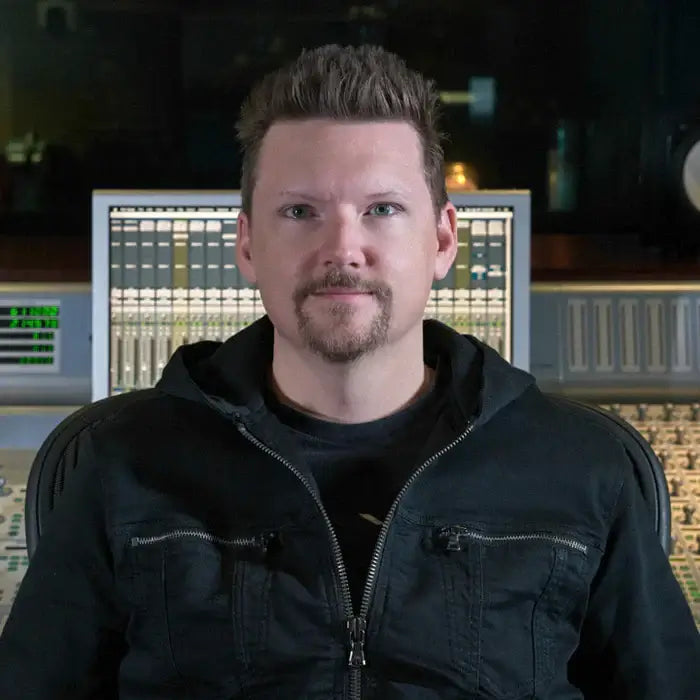
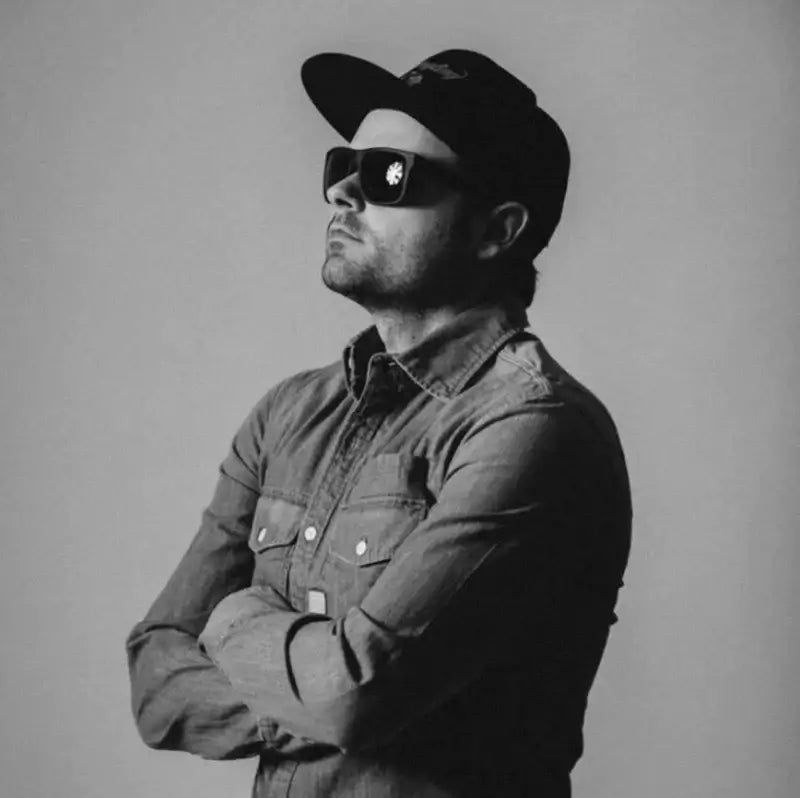
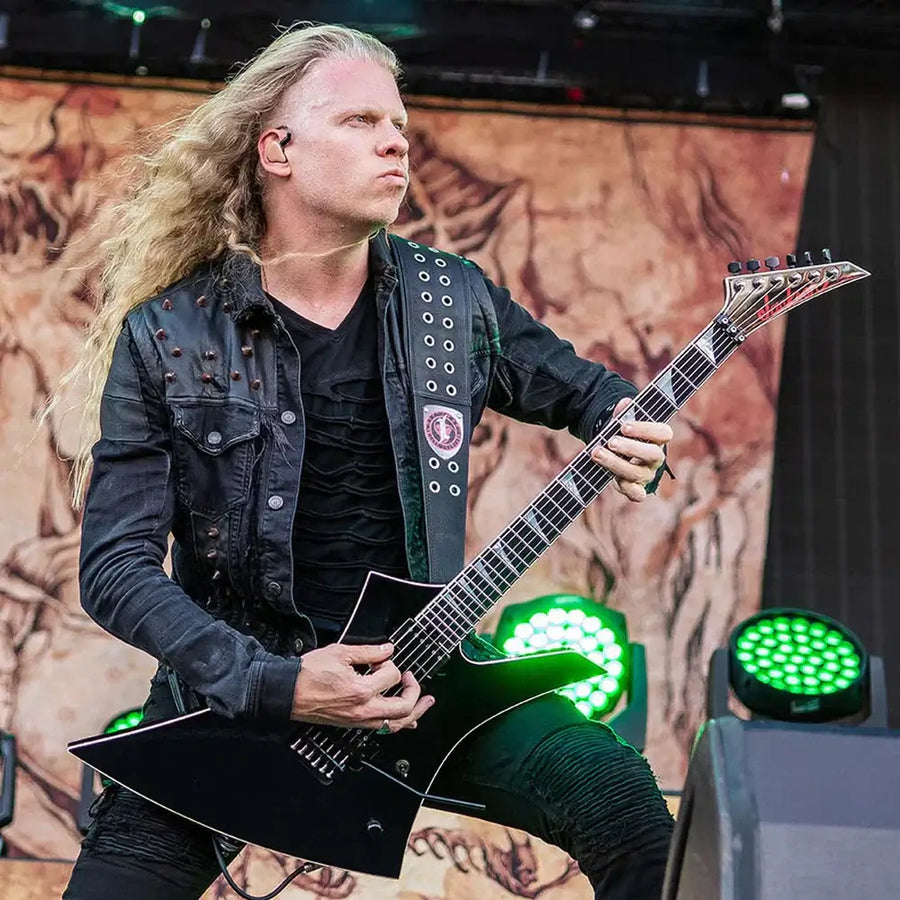
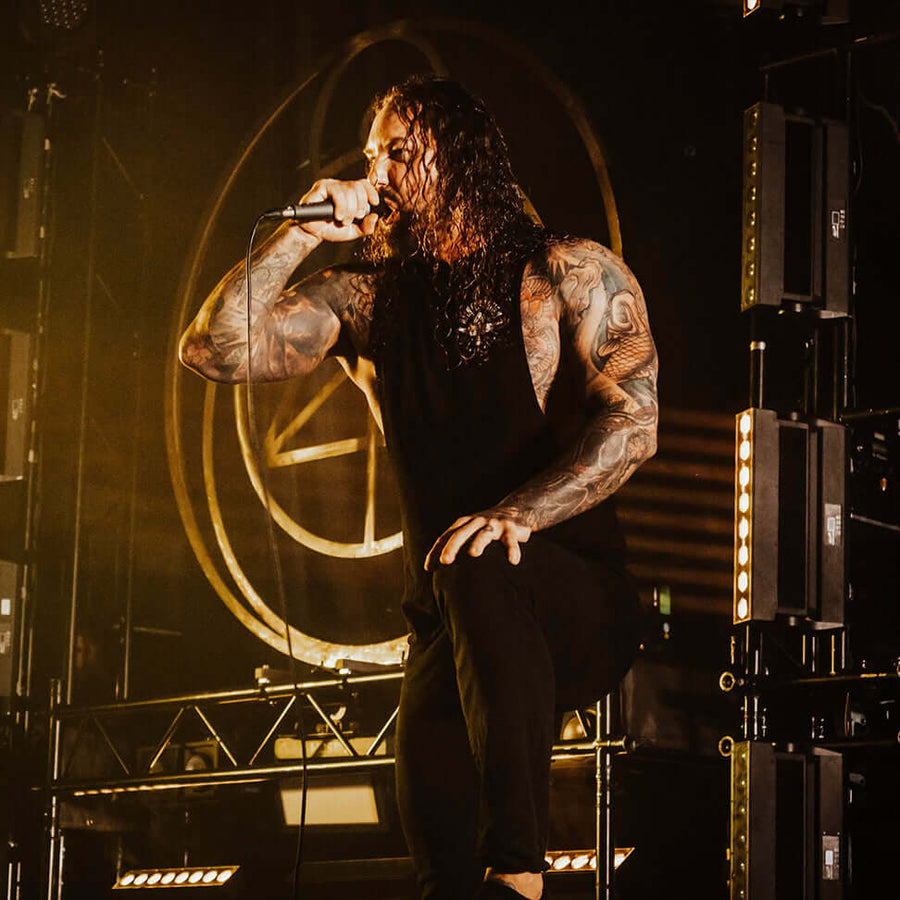
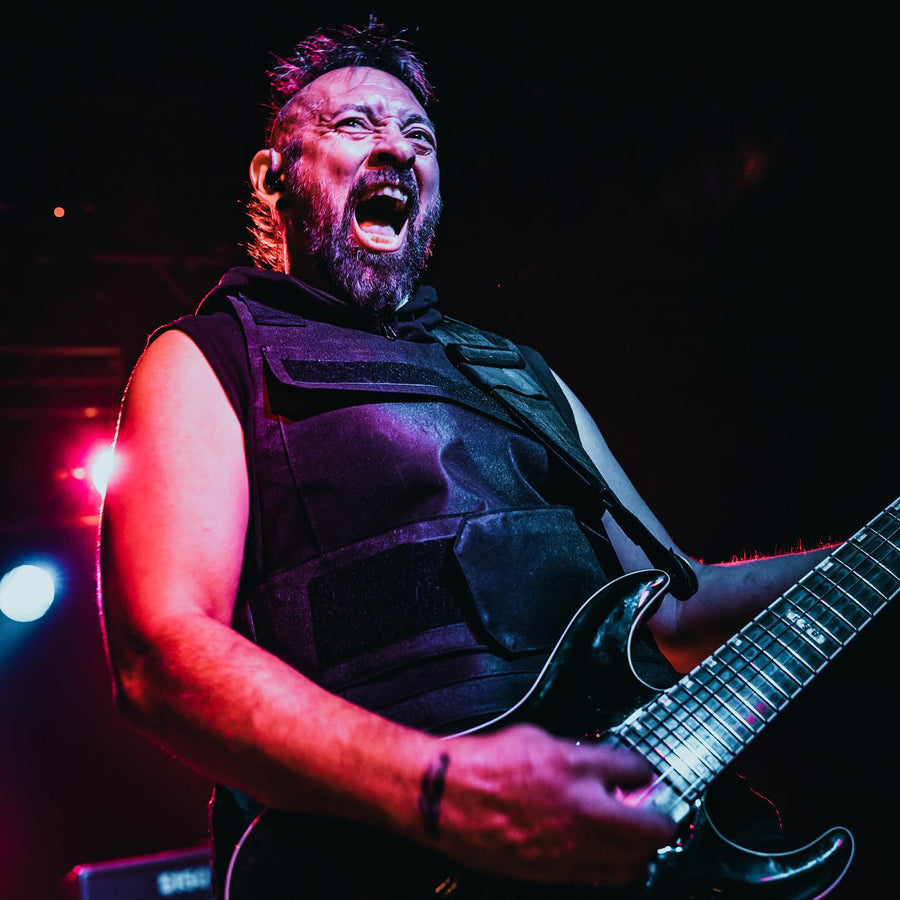
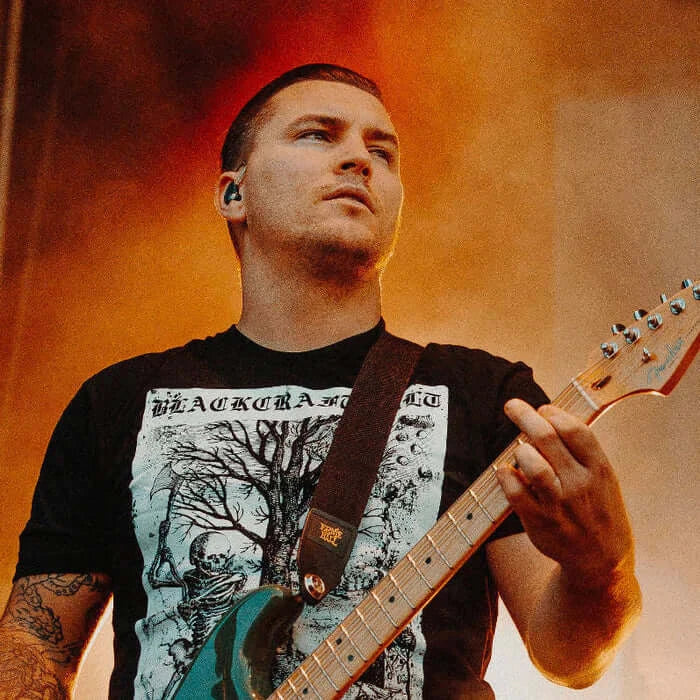
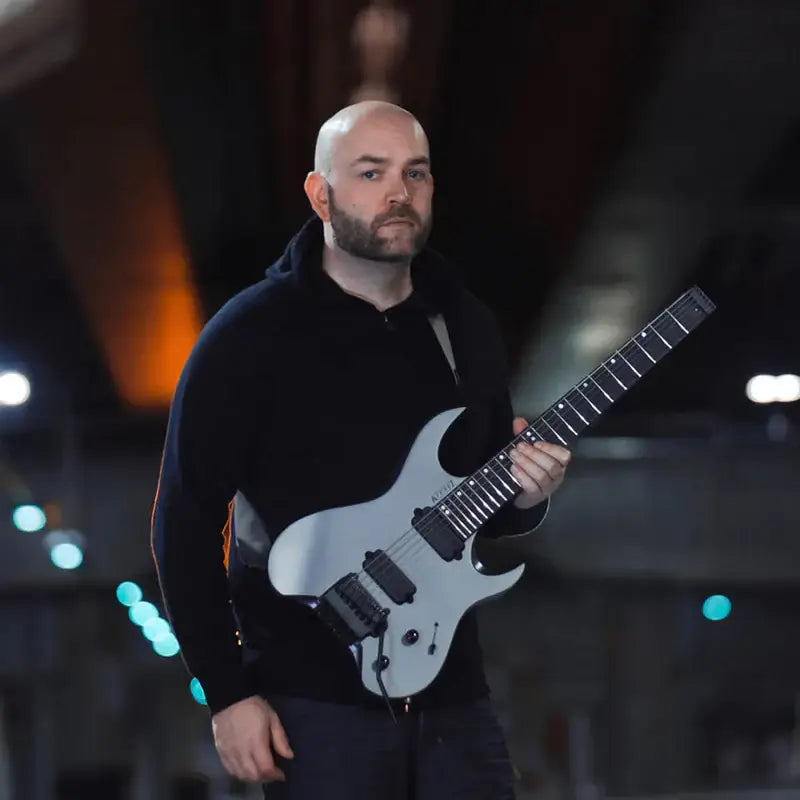
What Artists Say
Hear from professional musicians and producers who use our products.

Develop Device All-Access Pass
Why buy one plugin at a time?
One annual pass unlocks the entire Develop Device catalogue, plugins, presets, DAW templates, drum MIDI, cabinet IRs and amp profiles, including this product, plus everything new I release this year. A fraction of buying it piece by piece.
- Every Develop Device plugin & app, including this one
- Serum 2 & Vital synth preset toolkits
- Superior Drummer 3, EZdrummer, GGD, MODO & Addictive Drums presets
- DAW templates for Cubase, Studio One & Reaper, plus 30K+ drum MIDI
- Cabinet IRs, NAM profiles & presets for Fractal, Kemper & Ampero
- Quad Cortex captures, shared straight to your Cortex Cloud
- Every new Develop Device release during your active year
- What you unlock stays downloadable, even after your year ends