


Dry
0:00
0:00
CONTEXT-AWARE REVERB FOR MIX PLACEMENT
AI TOOL
ContextVerb Pro
Context-aware reverb with calculated time, tone, space, modulation, and ducking.
Choose the track type, pick a style, and let Auto calculate a musical reverb shape from the session tempo and incoming signal. Mix stays manual, so the final wet/dry decision remains exactly where the record needs it.
1.951,00 Kč
Windows VST3
macOS VST3/AU
Manual Mix by design
38 embedded IR models
Context-Aware Auto
Uses track type, audio features, and host tempo to set useful reverb targets fast.
Mix Stays Manual
Auto shapes time, tone, space, modulation, and ducking while wet/dry stays in your hands.
Algorithmic + IR
Switch between a flexible algorithmic reverb engine and 38 embedded private IR models.
A/B audio demos
Hear ContextVerb Pro on real sources.
Switch between dry and wet playback at the same position to hear how the reverb sits on drums, guitars, vocals, and the full mix.
Dry
0:00
0:00
Dry
0:00
0:00
Dry
0:00
0:00
Auto calculates the room. You place it in the mix.
ContextVerb Pro is built for producers and mix engineers who want faster starting points without handing over the final balance. Auto can shape pre-delay, decay, size, diffusion, density, tone, width, modulation, and ducking. The Mix control remains yours.
Workflow
Start from the source, not from a room list.
Most reverbs make you browse presets before the track has been understood. ContextVerb Pro starts with explicit musical context, then applies predictable calculated targets.
Choose the track context
Select Lead Vocal, Snare, Guitar, Pad, Bus, Master, and more. The choice is saved with the session and becomes the primary signal for Auto.
Let Auto calculate the shape
Host tempo, style, track type, and signal features drive useful targets for time, tone, stereo width, modulation, and ducking.
Set Mix by ear
Auto does not keep moving the wet/dry balance. You decide how forward, deep, or subtle the reverb sits in the production.
Core advantages
Built for repeatable reverb decisions.
Context Auto
Calculated targets for pre-delay, decay, size, diffusion, density, wet filtering, damping, width, modulation, and ducking.
Tempo-synced pre-delay
Sync pre-delay to the host tempo. Factory presets use 1/16 as a clear musical starting point, with a 120 BPM fallback if the host provides no tempo.
Algorithmic and IR modes
Switch between a modern FDN-based algorithmic engine and an embedded IR engine with 38 private impulse responses.
Manual Mix and gain staging
Mix, IN, and OUT stay deliberate and predictable. Auto shapes the reverb without fighting automation or session recall.
Tail and spectrum feedback
The editor surfaces host tempo, explanation text, metering, and tail/spectrum feedback so the reverb decision remains understandable.
Release validated
Windows VST3 and macOS VST3/AU release builds pass the project test suite and plugin validation at the release threshold.
Algorithmic engine
A responsive synthetic space built around early reflections, input diffusion, and a 12-line-capable FDN late reverb.
- Householder feedback and RT60 mapping
- Fractional modulation reads
- Wet low/high cut, damping, ducking, width, and gain staging
IR engine
A private embedded impulse-response engine for captured texture inside the same production workflow.
- 38 included IR models
- Same Mix, Pre-delay, tone, width, ducking, IN, and OUT controls
- Consistent workflow when switching engines
Track context
Different sources deserve different spaces.
A lead vocal, snare, pad, bass, bus, and master do not need the same reverb behavior. ContextVerb Pro lets the track type guide time, tone, width, modulation, and ducking decisions.
- Generic
- Vocal
- Lead Vocal
- Backing Vocal
- Drums
- Kick
- Snare
- Percussion
- Guitar
- Bass
- Piano
- Synth Lead
- Pad
- Strings
- FX
- Bus
- Master
Track type
Host tempo
Audio features
Technical specifications
Plugin‑first, DAW‑ready.
FormatsWindows VST3. macOS VST3 and AU.
SystemsWindows 10 or later, 64-bit host with VST3 support. macOS 11 or later, 64-bit host with VST3 or AU support.
StylesRoom, Plate, Hall, Chamber, Ambience, and Nonlinear.
QualityEco, High, and Ultra. Quality changes renderer cost/detail, not the meaning of Mix, Decay, tone, width, modulation, levels, or ducking.
Host coverage
Made for real DAW sessions.
ContextVerb Pro reads host tempo defensively when the DAW provides it, then falls back internally when needed.
Cubase / NuendoVST3 workflow
Ableton LiveVST3 workflow
Logic ProAU on macOS
Studio OneVST3 workflow
ReaperVST3 / AU host
FL StudioVST3 workflow
Bitwig StudioVST3 workflow
Other hostsVST3 or AU support required
FAQ
Questions before you add it to the session.
Does Auto change Mix?
No. Mix is manual by design. Auto shapes the reverb behavior, but the wet/dry balance stays under your control.
What does Auto control?
Auto can calculate targets for pre-delay, decay, size, diffusion, density, early/late balance, low cut, high cut, damping, width, modulation, and ducking.
How does ContextVerb Pro know the track type?
You select the track type manually. That is intentional because plugin hosts do not provide a universal, reliable track-type signal.
What happens if the DAW does not provide BPM?
ContextVerb Pro uses an internal 120 BPM fallback for tempo-dependent behavior.
Which formats are included?
Windows VST3, macOS VST3, and macOS AU are included.
What is the difference between Algorithmic and IR mode?
Algorithmic mode uses the built-in FDN reverb engine. IR mode uses 38 embedded private impulse responses while keeping the same surrounding production controls.
Get reverb settings that start from the source.
ContextVerb Pro gives you calculated time, tone, space, modulation, and ducking while leaving the final placement decision where it belongs: in the mix.
1.951,00 Kč
Instant digital download. Lifetime license. Windows VST3 and macOS VST3/AU.
You might also like

3
customers bought this product
ContextVerb Pro: Context‑Aware Reverb Plugin
1.951,00 Kč

VOCALITH: Vocal Suite
3.172,00 Kč

SQUEEZOR: AI‑Powered Vocal Compressor
975,00 Kč

OBSIDIAN: Hybrid EQ
3.172,00 Kč


HumBeat 2.5: The Ultimate MIDI Drum Humanizer
2.439,00 Kč
Swipe to see more
TESTIMONIALS
What Artists Say
Hear from professional musicians and producers who use Develop Device products.
“
I've been using Superior Drummer as my main drum sampler for a long time and Jaroslav's presets are the best that I've heard!!
Featured Artist
Chris Baseford
Producer / Engineer / Mixer (Nickelback, Shinedown, Daughtry, Rob Zombie, Tommy Lee/Motley Crue, Avril Lavigne...)
“
Best presets and templates on the net. Changed the way I mix and brought my tracks to the next level. Thanks for everything, Jaroslav!
Featured Artist
Charlie Scene
Hollywood Undead
“
Presets for Superior Drummer 3 are pretty killer. Ready to go in a matter of seconds to make my recordings sound punchy and very dynamic! Thanks Jaroslav for your awesome work!
Featured Artist
Jeff Loomis
Nevermore / ex-Arch Enemy
“
Jaroslav helped me make a more efficient session that sounds clear and powerful, all while using less CPU than my original template. By combining elements of his templates and mine I was able to shape my Austrian Death Machine mixes into exactly what I was looking for. His drum templates in particular helped me see my mix from a new perspective, and it wouldn't sound nearly as good without him.
Featured Artist
Tim Lambesis
As I Lay Dying / Austrian Death Machine
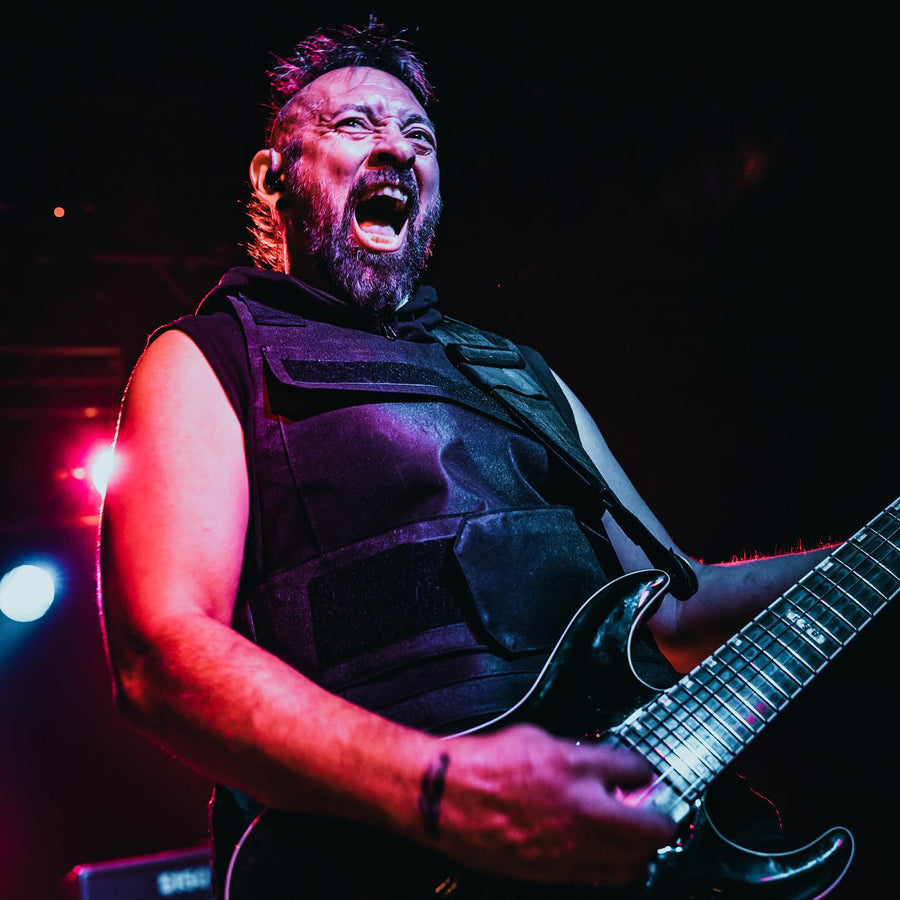
“
I've really enjoyed some of Jaroslav's templates and presets. I like to use them when I'm writing music. That way I can just jump into being creative and spend less time dialing in tones.
Featured Artist
Ahrue Luster
Lions at the Gate / ex-Machine Head, Ill Niño
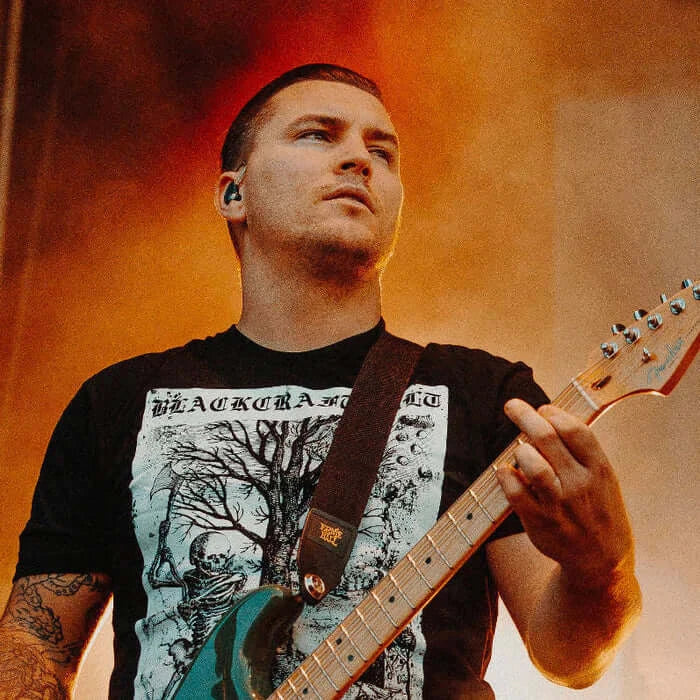
“
Heavy kicks, powerful snares, crystal clear toms, and sparkling cymbals! Jaroslav really knows what he's doing in the Metal/Rock world of drum sounds. I used to spend hours trying to get a drum sound I was happy with, now it takes only seconds!
Featured Artist
Dan Brown
The Amity Affliction
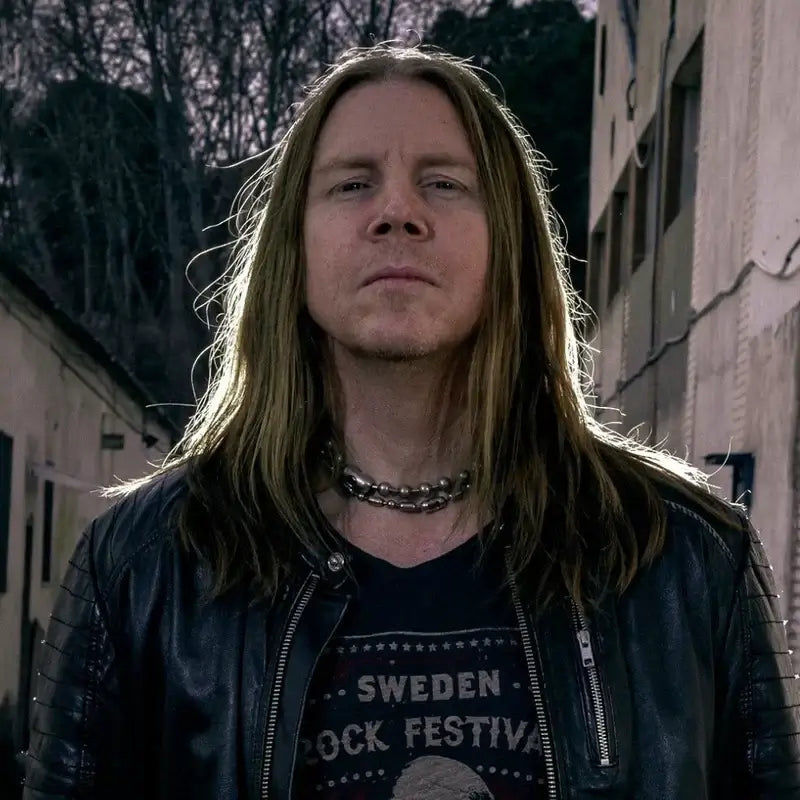
“
Great sounding presets that saves me a lot of time when I produce and write music!
Featured Artist
Magnus Karlsson
Primal Fear / Magnus Karlsson's Free Fall

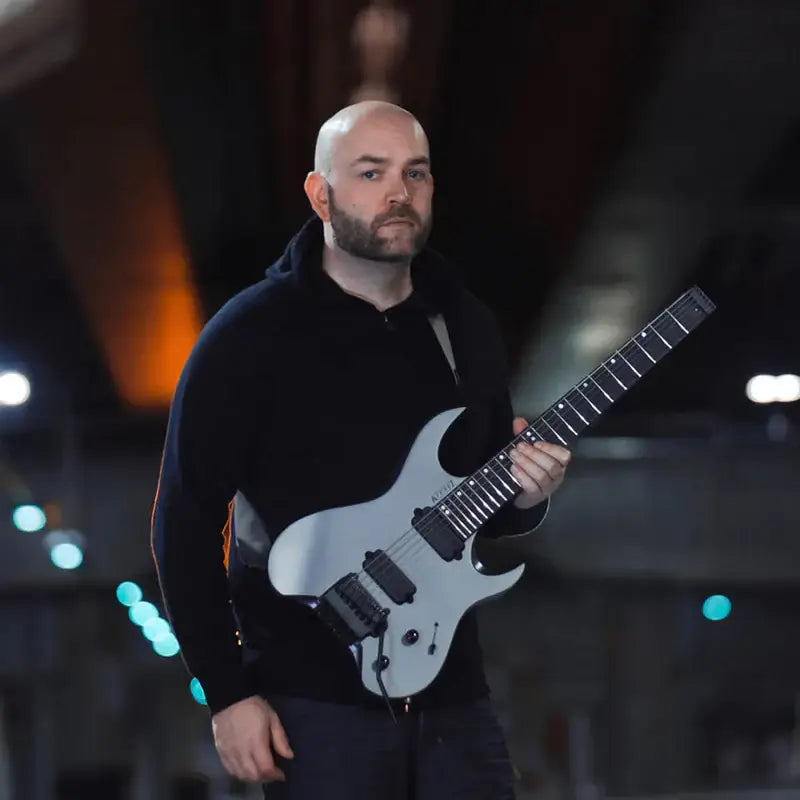
“
For months I have been searching for great sounding drum mixes, and Jaroslav's presets are spot on with what I was looking for. Now I can just open the file and get creative right away.
Featured Artist
Rémi Gallego
The Algorithm
“
Develop Device drum presets have been an integral part of creating my music in recent years. Whether I'm in the demo stage or final mix stage, these mix-ready presets are an essential launch pad to having fantastic sounding drums on my tracks.
Featured Artist
Paul Wardingham
Guitarist / Composer / Producer
Develop Device All-Access Pass
Why buy one plugin at a time?
One annual pass unlocks the entire Develop Device catalogue, plugins, presets, DAW templates, drum MIDI, cabinet IRs and amp profiles, including this product, plus everything new I release this year. A fraction of buying it piece by piece.
- Every Develop Device plugin & app, including this one
- Serum 2 & Vital synth preset toolkits
- Superior Drummer 3, EZdrummer, GGD, MODO & Addictive Drums presets
- DAW templates for Cubase, Studio One & Reaper, plus 30K+ drum MIDI
- Cabinet IRs, NAM profiles & presets for Fractal, Kemper & Ampero
- Every new Develop Device release during your active year
- What you unlock stays downloadable, even after your year ends