



























































What Is Audio Endpoint Builder, Exactly?
AudioEndpointBuilder is a Windows service, not an app or a driver. It runs inside a shared svchost.exe process rather than its own executable, which is why it never shows up as a recognizable name in Task Manager unless you dig into the Services tab specifically. It's part of the Windows Audio subsystem, sitting one layer below the Windows Audio service (Audiosrv) — the service that actually plays and records sound. Audiosrv depends on it directly: if AudioEndpointBuilder isn't running, Audiosrv cannot start.
Its job is narrow and mechanical: it enumerates and manages audio endpoint devices — the playback and recording device objects Windows exposes to every application, like your interface's output pair or a USB mic input. It does not touch mixing, effects, sample rate conversion, or DAW-level routing; none of that is its responsibility. It has no user interface, no settings panel, and nothing to configure — it's pure infrastructure, invisible by design, working the same way whether you're running Windows 10 or 11.
That invisibility is exactly what makes it diagnostically useful. Because Audiosrv can't start without it, a failure here doesn't produce a glitch in one plugin or a dropout in one track — it silences everything at once: your DAW's audio engine, your browser tab, Windows system sounds, all simultaneously. That system-wide, all-at-once silence is the signature that separates an AudioEndpointBuilder failure from an ASIO driver crash or a single misbehaving plugin, which would only ever take down the DAW. If your interface disappears from every application on the machine at the same moment, the fault sits at this service layer, not inside your session.
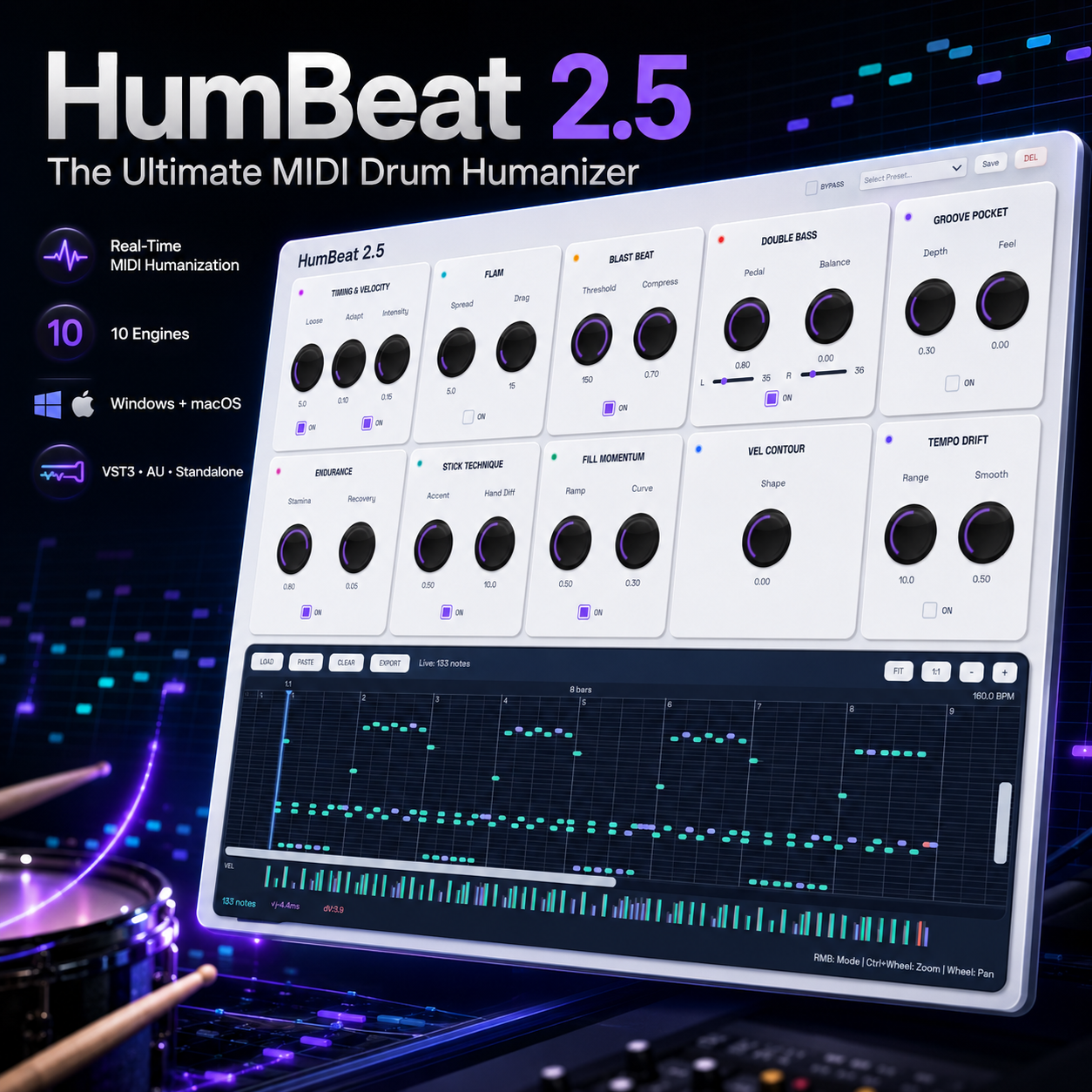
None of this affects what happens once audio reaches your DAW — humanizing MIDI or shaping tone with tools like HumBeat 2 is a layer above where this service operates.
Why Producers Run Into It Mid-Session
The most common trigger is a Windows update that silently replaces or resets an audio driver. The service that manages endpoint objects — Audio Endpoint Builder — restarts along with it, but the handoff doesn't always complete cleanly. When it fails, Event Viewer logs Windows error 1068, "The dependency service or group failed to start," pointing at the underlying Windows Audio stack rather than at any single app. The visible symptom is blunt: your interface disappears from the DAW's driver list mid-session, even though the cable is still plugged in and the device still shows power. Nothing in your project changed — the OS just stopped recognizing the endpoint that Windows Audio depends on.
Two culprits account for most cases:
- Third-party audio enhancement layers — Realtek Audio Console, Dolby Atmos, or Nahimic — that hook into the same endpoint objects Audio Endpoint Builder manages. These utilities inject their own processing chain between the driver and Windows Audio, and when they crash or update out of sync with the driver, they can hold the endpoint in a broken state.
- A corrupted per-user registry key under the audio device tree. Windows stores endpoint configuration per user profile, and a partial write during shutdown or update can leave that key inconsistent, so the service can't rebuild the endpoint list on the next start.
Either way, the fix is rarely a driver reinstall — it's restarting or repairing the service layer sitting between the driver and your DAW. Producers running dense sessions with heavy MIDI programming, like drum tracks built around HumBeat 2: The Ultimate MIDI Drum Humanizer, notice this immediately: playback silently stops routing to the interface while the transport keeps running, which is easy to mistake for a plugin freeze instead of an OS-level audio service fault.
How to Restart It Without Rebooting Mid-Project
Restarting Windows Audio Endpoint Builder takes under a minute and doesn't touch your DAW session. Open services.msc and work in dependency order: stop Windows Audio first, then stop Windows Audio Endpoint Builder. Start them back up in reverse — Endpoint Builder first, then Windows Audio. Starting Windows Audio before its dependency is running is the most common reason a "restart" appears to fail silently.
The command-line equivalent, run from an elevated (admin) prompt:
net stop audiosrvnet stop AudioEndpointBuildernet start AudioEndpointBuildernet start audiosrv
If either command returns an error instead of a clean stop/start, check two supporting services in services.msc before troubleshooting further: Remote Procedure Call (RPC) and DCOM Server Process Launcher. Endpoint Builder depends on both, and it will refuse to start — not just fail to restart — if either one isn't running. These two should always be set to Automatic; if they're stopped, something else on the system is misconfigured.
When the crash pattern is recurring rather than one-off, the cause is sometimes a corrupted device key rather than the service itself. The relevant registry path is HKEY_LOCAL_MACHINE\SOFTWARE\Microsoft\Windows\CurrentVersion\MMDevices\Audio, which lists every audio endpoint Windows has ever registered as a subkey. The fix is deleting the specific device subkey tied to the failing interface, identified by its GUID — never the entire MMDevices\Audio tree, which holds every input and output device on the system and will orphan all of them if removed. Back up the key by exporting it before deleting anything.
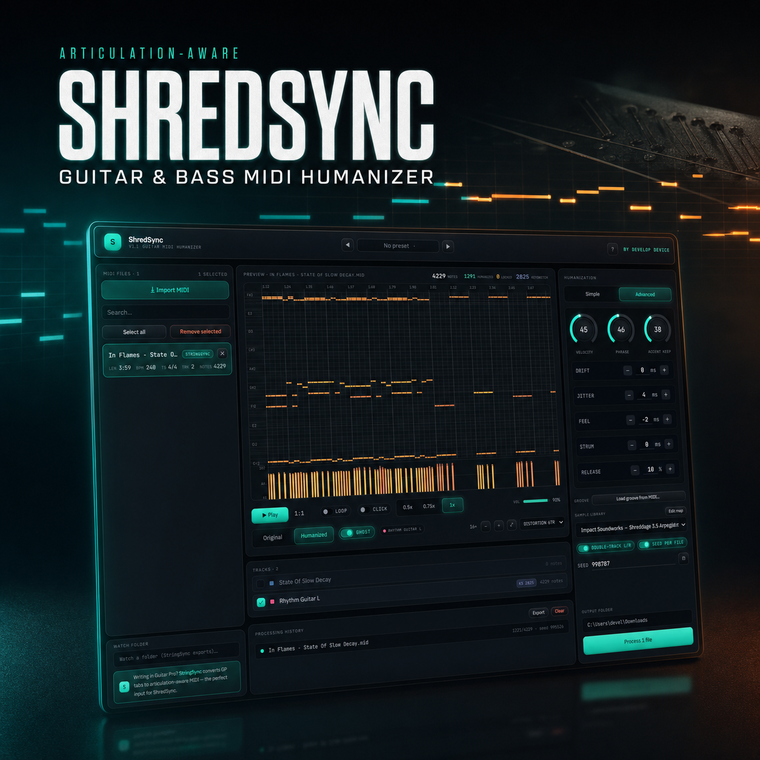
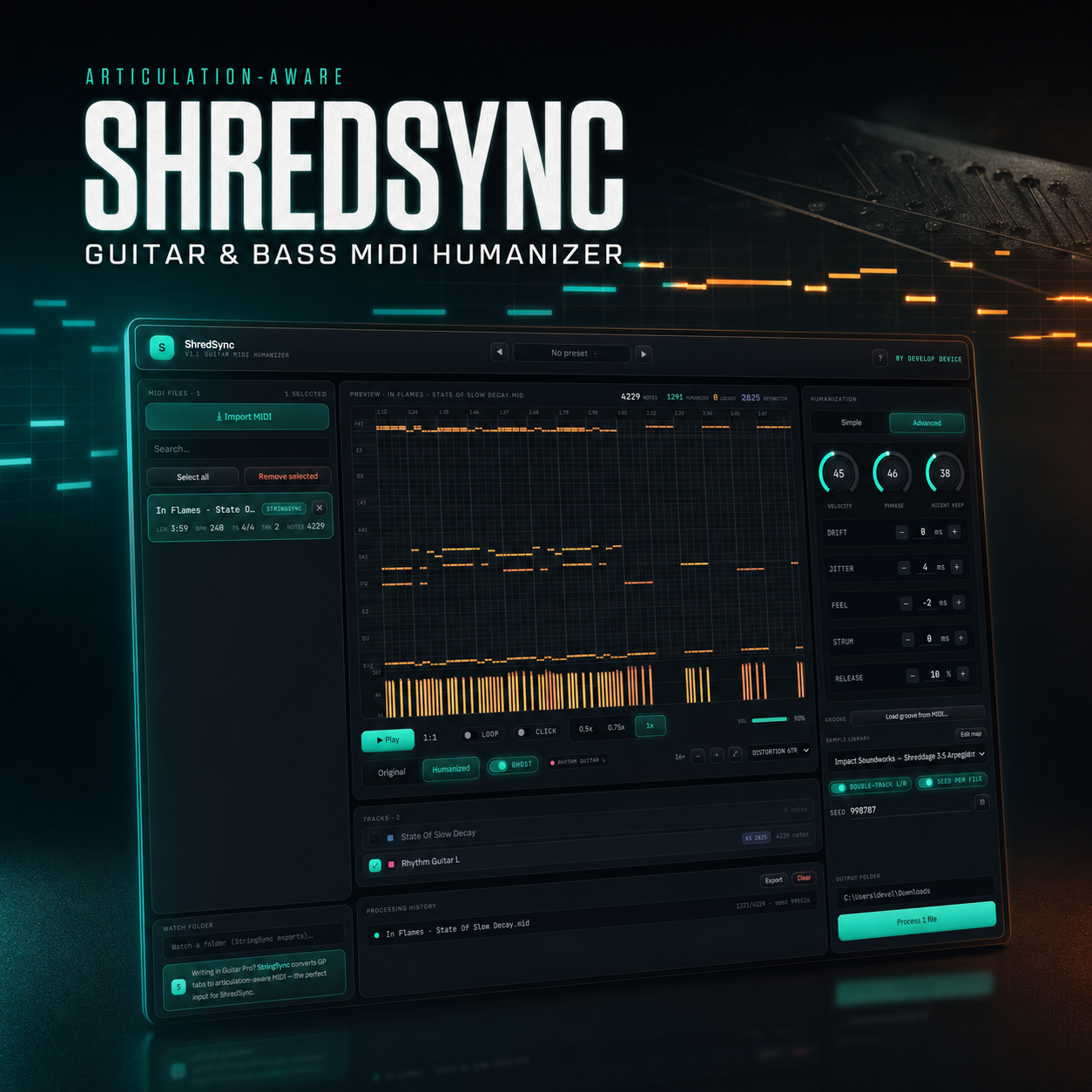
None of this is exclusive to production troubleshooting — the same instability that kills a mid-session buffer can throw off drum timing and pick attacks captured before the crash, which is what humanizers like HumBeat 2: The Ultimate MIDI Drum Humanizer and ShredSync: Guitar & Bass MIDI Humanizer are built to correct after the fact.
Why Mac Users Never See This Error
Search "Audio Endpoint Builder crashed" and every result is Windows. That's not luck — macOS has no equivalent service to crash. Windows splits audio into layers: WDM/KS kernel drivers feed WASAPI and MME through two separate user-mode services, Windows Audio (Audiosrv) and Windows Audio Endpoint Builder. Kill either one and every application relying on it goes silent at once, project open or not. macOS collapses that entire stack into a single daemon, coreaudiod, which handles device discovery, routing, and I/O together under Core Audio. There's no separate endpoint-management service positioned to fail on its own, so the specific failure mode of "one background service dies, all system audio drops" simply doesn't exist on the Mac side.
This is an architectural fact, not a stability opinion. It doesn't mean macOS is objectively better for production — DAW performance, plugin compatibility, and driver support for your specific interface matter more day to day than which OS manages its audio stack. What it does mean is that Mac users are structurally exempt from one category of mid-session dropout: they'll never need to reopen Services and manually restart an endpoint builder process because Windows quietly stopped one of two audio services independently of the other. When Core Audio misbehaves on Mac, the fix path is different (resetting the CoreAudio process or an interface's driver), but it isn't this two-service failure specifically.
Either way, once your I/O path is stable, what runs through it still needs tight timing. If you're layering programmed drums under real audio, HumBeat 2: The Ultimate MIDI Drum Humanizer keeps hits sitting naturally in the pocket regardless of which OS is routing the signal.
ASIO vs WASAPI vs Core Audio: Which Layer Actually Controls Your Latency
The performance feature that matters most for music production isn't buffer size or sample rate settings inside your DAW — it's which audio layer your interface driver actually uses, because that choice sets the floor for how low your latency can go before anything else is tuned.
ASIO talks near-directly to interface hardware and bypasses the Windows mixer entirely. At small buffer sizes (64–128 samples), that typically means 5–10ms round-trip latency — low enough to track guitar or vocals through plugin monitoring without a perceptible delay.
WASAPI shared mode routes audio through the same endpoint objects that AudioEndpointBuilder manages, and commonly lands at 20–30ms or more. That's the mixer path — other apps can play sound at the same time, but you pay for it in latency.
WASAPI exclusive mode splits the difference: it locks the device to a single application (no other app can make sound through it) in exchange for lower latency than shared mode, though still generally higher than ASIO.
This split explains a diagnostic trick worth knowing: because ASIO sidesteps the endpoint service almost entirely, an AudioEndpointBuilder crash often kills system sound — notification pings, browser audio — while your ASIO-connected DAW session keeps running untouched. If your DAW audio drops out at the same moment as everything else, it's a Windows service problem. If only the DAW glitches while Windows sound is fine, look at the interface driver instead.
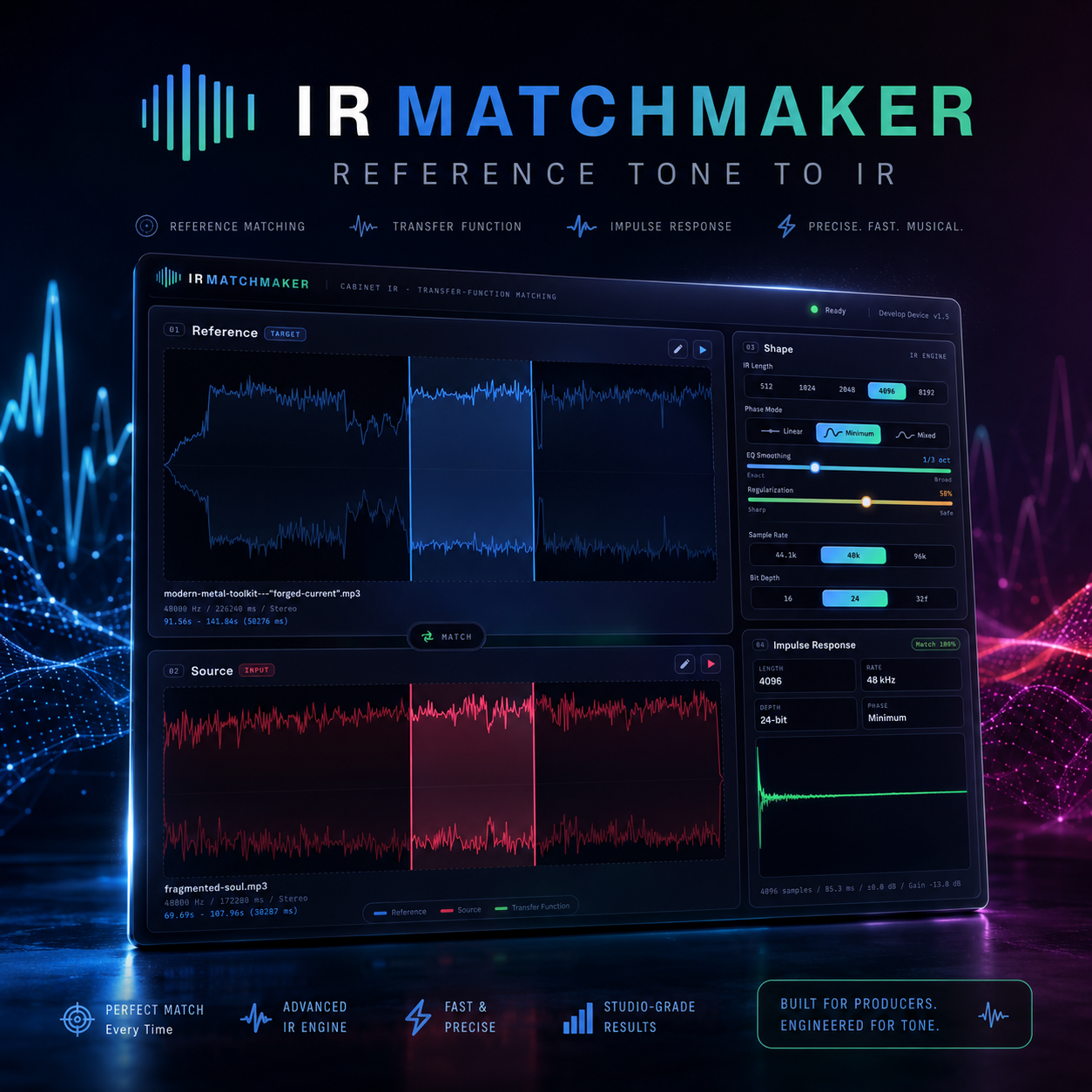
Apps that live or die on stable low-level I/O make a good practical test case for this split. A tone-capture tool like IR MatchMaker: Tone Capture App needs a clean, low-latency signal path to capture an accurate impulse response — if it opens the interface and captures cleanly while the rest of Windows audio is silent, ASIO is confirmed healthy and the fault sits elsewhere.
What Specs Actually Prevent These Problems
Most Audio Endpoint Builder errors on Windows trace back to hardware pushed past its margin, not driver corruption. On Mac the same margin exists — it's just wider by default, which is why the equivalent crash almost never surfaces. Four specs matter, in order of impact:
- RAM: 16GB minimum, 32GB+ for streamed libraries. A kit built on Superior Drummer 3 doesn't load its samples into RAM — it streams gigabytes of them live from disk during playback. On 8GB, the OS starts paging while the DAW is mid-buffer, and that stall reaches the audio engine as a dropout or a dead endpoint.
- NVMe SSD, not SATA or HDD. Disk-streamed instruments issue constant small reads; NVMe's latency is low enough to keep up, SATA SSDs are borderline under heavy multi-track streaming, and HDDs will underrun buffers outright once you stack more than a couple of sample-heavy tracks.
- One controller per interface. Plugging your audio interface into a hub shared with a webcam, external drive, or MIDI controller creates USB bus contention — the interface loses its allocated bandwidth for a few milliseconds and produces a dropout that looks identical to a crashed service. Give it a dedicated USB controller or Thunderbolt port, not a shared hub.
- Background CPU spikes. Real-time antivirus scanning and Windows Search indexing both grab CPU in short, unpredictable bursts. That's enough to blow a low-latency ASIO buffer and is one of the most common false positives read as "my audio driver crashed."
These four apply whether you're running lightweight MIDI tools like HumBeat 2 or a fully streamed kit such as the Essential Core Collection for Superior Drummer 3 — the heavier the sample library, the less margin for error any one of these specs leaves you.
Ruling Out the DAW Before You Touch Windows Services
Most audio problems blamed on Audio Endpoint Builder never touch a Windows service at all — they live inside the DAW's own audio preferences. Before restarting anything, check three settings that account for the majority of dropout and crackle complaints.
- Buffer size. Open the audio preferences panel and check the sample buffer. A buffer of 64 or 128 samples is aggressive and will produce clicks, pops, and dropouts under any real project load — raising it to 256 or 512 samples eliminates most of these without touching a single service, driver, or endpoint.
- Sample rate mismatch. Your audio interface's control panel, the Windows Sound settings panel, and the DAW's project sample rate all need to agree — typically 44.1kHz or 48kHz. If any one of the three is set differently, the result is crackling that sounds and behaves identically to an endpoint failure, but no service restart will fix it.
- Driver model on first launch. Different DAWs default to different driver models the first time they see an interface — some default straight to WASAPI, others prompt you to select an ASIO driver. This is a real, measurable difference between desktop production apps, not a matter of taste: the same physical interface can behave completely differently in two DAWs on the same machine simply because each one negotiated a different driver layer on install.
Working through these three checks takes a couple of minutes and rules out the DAW as the source before you go anywhere near services.msc. If the buffer, sample rate, and driver model all check out and the problem persists, it's a Windows-side audio service issue, not a project setting.
Once your audio path is stable, MIDI timing and performance realism are separate problems worth solving on their own — tools like HumBeat 2: The Ultimate MIDI Drum Humanizer work independently of your driver setup, since they operate on MIDI data rather than the audio signal path.



Leave a comment
All comments are moderated before being published.
This site is protected by hCaptcha and the hCaptcha Privacy Policy and Terms of Service apply.