


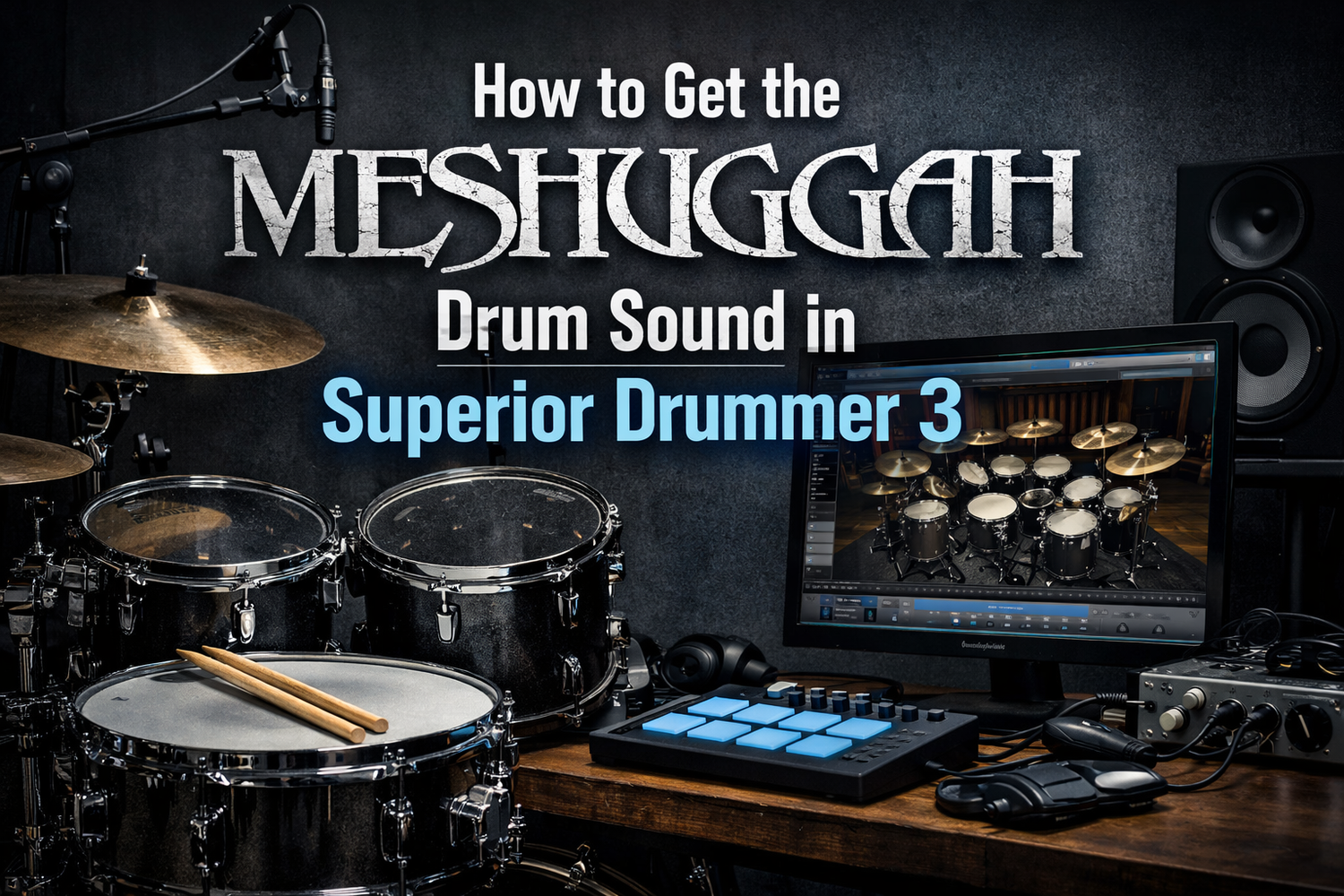
Meshuggah's drum sound is legendary. Tomas Haake's playing – combined with meticulously crafted production – has defined an entire subgenre of metal. That massive, precise, yet organic drum tone has inspired countless producers and drummers worldwide.
In this guide, we'll break down the elements of Meshuggah's drum sound and show you how to recreate it in Superior Drummer 3.
Understanding the Meshuggah Drum Sound
Before we dive into settings, let's analyze what makes Meshuggah's drums so distinctive:
Key Characteristics
- Massive, controlled kick drum – Deep but tight, with significant beater attack
- Snare with body and crack – Not thin, not overly ringy
- Natural room sound – Despite the precision, drums sound like they're in a real space
- Consistent dynamics – Even at extreme speeds, every hit is clear
- Organic feel within machine-like precision – Human, not robotic
The Recording Approach
Meshuggah records with Tomas Haake playing live – not programmed drums. This gives their drums a human quality even in the most complex polyrhythmic passages. When recreating this sound programmatically, humanization is crucial.
Best SDX Libraries for Meshuggah Sound
Primary Choice: Drums of Destruction EZX
The Drums of Destruction EZX was designed for exactly this type of aggressive metal. Its raw, powerful sound captures the essence of Swedish metal production. The kit options provide the massive, controlled tone Meshuggah is known for.
Secondary Choice: The Metal Foundry SDX
A versatile library that can be processed to achieve Meshuggah-style tones. Requires more work but offers flexibility.
Hybrid Approach
Combining elements from multiple libraries often yields the best results. Our Meshuga preset does exactly this – blending DOD EZX and Metal Foundry for that authentic polyrhythmic metal sound.
Kick Drum Settings
The kick drum is arguably the most important element of the Meshuggah sound. Here's how to dial it in:
EQ Settings
- High-pass at 30 Hz – Remove subsonic rumble, keep the power
- Slight cut at 200-300 Hz – Remove boxiness
- Significant boost at 3-4 kHz – The signature "click" of Tomas's sound
- Boost at 60-80 Hz – Weight and power
- Optional: Small boost at 8-10 kHz – Air and definition
Compression Settings
- Ratio: 4:1 to 6:1
- Attack: Fast (3-8 ms) – Tame the initial transient slightly
- Release: Medium-fast – Follow the rhythm
- Gain reduction: 3-6 dB on peaks
Transient Shaper
- Attack: +2 to +4 – Enhance the beater attack
- Sustain: -2 to -4 – Tighten the low-end decay
Snare Drum Settings
Meshuggah's snare has body without being boomy, and crack without being thin.
EQ Settings
- Boost at 180-220 Hz – Body and weight
- Cut at 400-500 Hz – Remove mud
- Boost at 2-4 kHz – Crack and attack
- Boost at 6-8 kHz – Snare wire sizzle
Compression
- Ratio: 4:1
- Attack: Medium (15-25 ms) – Preserve the initial crack
- Release: Medium
Room and Ambience
Unlike many modern metal productions that are very dry, Meshuggah uses room sound strategically. The drums sound like they exist in a real space.
Room Mic Settings
- Blend room mics at -8 to -12 dB relative to close mics
- Compress room mics heavily (10:1, fast attack) for power
- High-pass room mics at 150-200 Hz to control low-end buildup
- Consider parallel compression for added sustain and size
Humanization: The Secret Ingredient
Even Meshuggah's most complex patterns feel human. When programming drums in SD3:
- Use velocity variation – Not every hit should be 127
- Enable timing humanization – Subtle timing variations (5-10 ms)
- Vary hi-hat velocities – Real drummers don't hit hats at constant velocity
- Ghost notes – Add quiet ghost notes between main hits
- Accent patterns – Emphasize downbeats and syncopations
The Easy Route: Use Our Meshuga Preset
If you want instant access to this sound without hours of tweaking, our Meshuga preset delivers exactly this tone. It's designed specifically for Meshuggah-style polyrhythmic metal and includes:
- Optimized blending of DOD EZX and Metal Foundry elements
- Pre-configured kick drum with signature click and weight
- Snare with body and crack in perfect balance
- Room processing for natural space without mud
- Ready for extreme double bass and polyrhythmic patterns
Other Recommended Presets
For similar styles, also consider:
- Destruction Machinery – Slipknot-inspired aggressive sound
- Drums of Destruction Kit – Raw thrash metal energy
- The Modern Rage – Modern progressive metal precision
- Progressive Destruction – Prog meets aggression
Programming Tips for Meshuggah-Style Patterns
Polyrhythmic Basics
Meshuggah often plays patterns that feel like odd time signatures but are actually 4/4 with polyrhythmic accents:
- Keep hi-hat or ride in 4/4 – This anchors the listener
- Syncopate kick and snare – Against the steady pulse
- Use accent patterns – Groups of 3, 5, or 7 notes over 4/4
Double Bass Patterns
- Velocity consistency is key – Use compression and limiting
- Alternate between feet realistically
- Allow for slight velocity drops on weaker foot
Mix Context Considerations
The Meshuggah drum sound exists within a specific context:
- Heavily down-tuned 8-string guitars – Drums must cut through
- Bass following guitar riffs – Kick drum needs to lock with bass
- Sparse arrangements – Each element has space to breathe
When dialing in your drum sound, always check against guitars and bass. Solo the kick with the bass – they should lock together. Solo snare with rhythm guitars – the snare should cut through.
Reference Tracks
Use these Meshuggah tracks as references when dialing in your sound:
- "Bleed" – Iconic kick drum pattern and sound
- "Demiurge" – Massive, controlled drum tone
- "Rational Gaze" – Perfect polyrhythmic example
- "Future Breed Machine" – Classic Meshuggah groove
Conclusion
Getting the Meshuggah drum sound in Superior Drummer 3 requires attention to several elements: the right library (Drums of Destruction EZX), careful processing (especially on kick drum), strategic room usage, and proper humanization.
For immediate results, our Meshuga preset captures this sound in a single click. For more options, browse our complete SD3 preset collection.
Ready to bring polyrhythmic power to your productions? Explore our Superior Drummer 3 presets designed for extreme metal.



Leave a comment
All comments are moderated before being published.
This site is protected by hCaptcha and the hCaptcha Privacy Policy and Terms of Service apply.